
Keep track of EOBs, medical bills, and what’s still unpaid.
Explanation of Benefits letters, provider bills, lab statements, and denial letters — read on your Mac, filed into your own folders, and searchable down to the last line item. None of it is uploaded.
How do you keep track of medical bills and EOBs?
ShabuBox is a document management app for Mac that keeps the paper trail together. Drop in the EOBs your insurer mails or posts, the bills your providers send, and the statements that follow — or scan the paper ones — and on-device AI reads every page with Apple Vision OCR, recognizes an EOB from a bill, extracts the dates, amounts, and the providers and insurers named on it, and files it where you file that kind of thing. Then ⌘K finds any word across all of it, and you can ask a question and get an answer with citations back to the exact page. Nothing leaves your Mac.
One episode of care, four pieces of paper, one place.
A single visit can produce an EOB, a provider bill, a lab bill, and a corrected statement — arriving weeks apart, from different senders, in different formats.
Everything lands in one Inbox
PDFs downloaded from an insurer or hospital portal go in by drag-and-drop. Mailed statements go in through a scanner — ScanSnap over USB, any eSCL / AirScan network scanner, or a watched scan-to-folder. Everything new arrives in the Inbox so you can review or file in a batch.
It tells an EOB from a bill
Apple Vision OCR reads every page on-device, and document-type identification distinguishes an EOB from an invoice or a statement. Dates and currency amounts are extracted, along with the people and organizations on the page — your insurer, the hospital, the lab. The file is renamed from its own contents instead of staying Document(7).pdf.
It files itself, by your logic
The auto-filer learns the folders you already keep — per person, per year, per provider, however you do it — and puts new arrivals in the same place. It files when confident, suggests when close, abstains when unsure. Folder Health shows anything misfiled, unfiled, or duplicated, which is common when a provider re-sends a corrected bill.
Ask what’s still outstanding
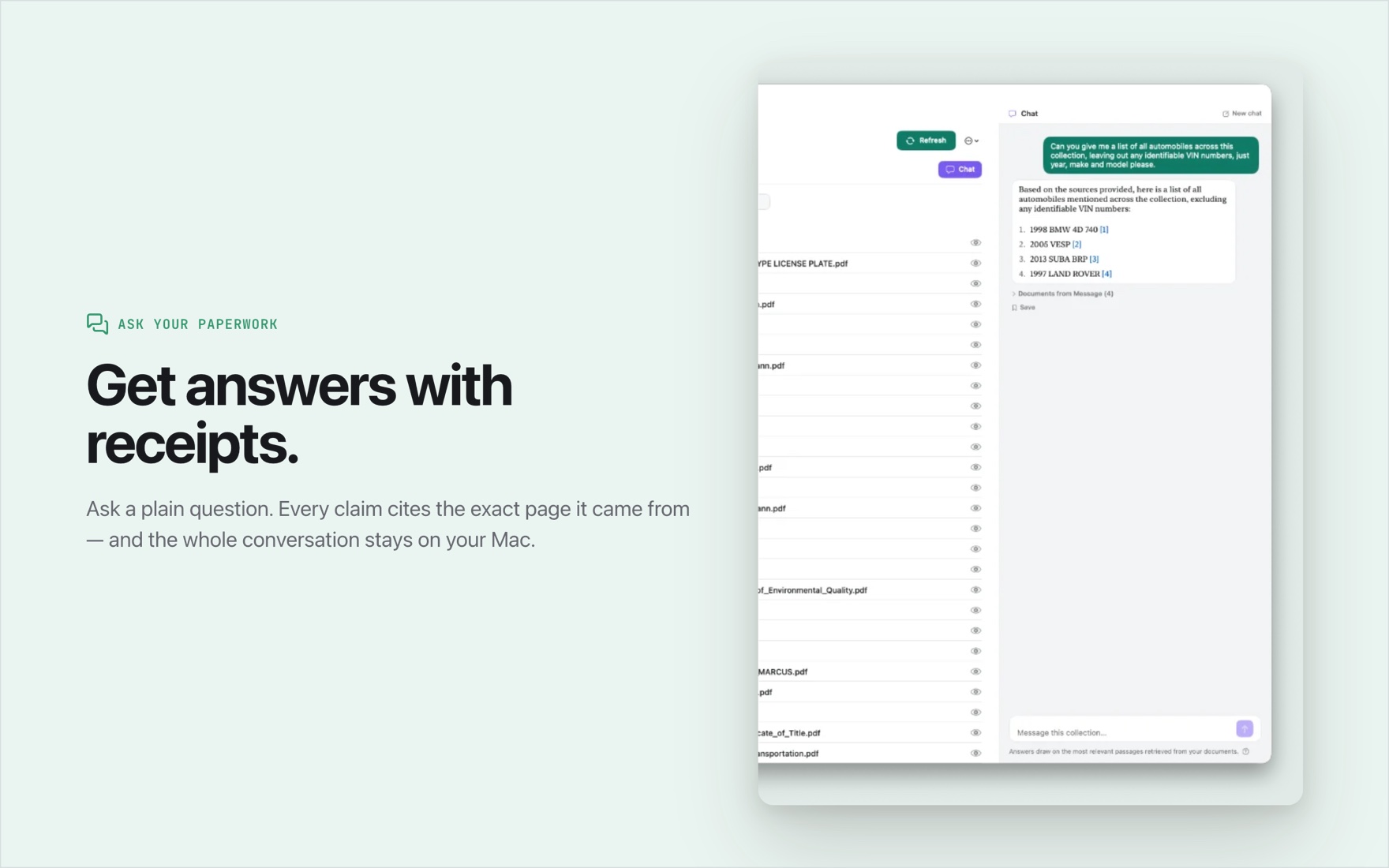
Ask in plain English and the answer comes back grounded, with an [n] citation to the exact passage in the exact document — so a figure you’re about to dispute can be traced to the page it’s printed on. ⌘K searches every OCR’d word, and the calendar view lays documents out by their extracted dates when you need the sequence of an episode.
The paperwork one year of healthcare produces.
- Explanation of Benefits letters from your insurer.
- Provider and hospital bills, and their corrections.
- Lab, imaging, and anesthesia statements.
- Denial and appeal letters.
- Pharmacy and prescription receipts.
- HSA and FSA reimbursement paperwork.
- Insurance cards, plan documents, and benefit summaries.
- Referrals, authorizations, and visit summaries.
Track the details the page doesn’t organize for you. Custom fields let you add your own per-document-type fields — currency, date, number, text, or yes/no — so a bill can carry an amount and a paid/unpaid flag. Filter to that type and the list becomes a sortable table. Reminders sync with Apple Reminders, so an appeal deadline doesn’t slip. Every document also has its own notes field for what isn’t printed on the page — like who you spoke to and when.
Medical paperwork that never gets uploaded.
OCR, document understanding, entity extraction, and chat all run on your Mac, inside Apple’s App Sandbox. There is no account, so there is nothing anywhere holding your health documents. Turn off Wi-Fi and Ethernet and importing, reading, filing, and searching still work. Your documents stay as ordinary files in ordinary folders you can open in Finder; the app’s database is only a rebuildable index over them.
Not medical or insurance advice. ShabuBox organizes documents and answers questions from what they actually say. It doesn’t interpret your coverage, decide what you owe, or tell you whether a claim was handled correctly. Check anything it tells you against the cited page, and take real disputes up with your insurer or provider.
Common questions about medical bills and EOBs
Can ShabuBox tell an EOB apart from the bill for the same visit?
Yes. On-device document-type identification recognizes EOBs, invoices, statements, and other common document types, and extracts the dates, amounts, and organizations printed on each. So the insurer’s Explanation of Benefits and the provider’s bill for the same visit are recognized as different documents and can be filed differently.
Will it tell me which bills are unpaid?
Not on its own — it reads what your documents say rather than tracking payment status for you. What you can do is define a custom field on the bill document type, such as a paid/unpaid flag or an outstanding amount, then filter to that type and sort the resulting table by it. You can also ask a question in chat and follow the citation back to the balance printed on the page.
Does anything about my health go to a server?
No. There is no account, and the AI runs on your Mac — OCR, document understanding, entity extraction, and chat all happen locally. Your documents stay as ordinary files in folders on your own disk. You can disconnect from the network entirely and the app still imports, reads, files, and searches.
What happens when a provider sends a corrected bill?
Both versions are read and filed, and Folder Health flags duplicates, so you can see that two versions of the same bill exist. The calendar view lays documents out by their extracted dates, which makes the order of an episode — bill, EOB, correction — easy to follow.
Can I keep separate folders for each family member?
Yes, and you don’t have to configure it. The auto-filer learns from the folders you already use, so if you file by person it keeps filing by person. Entity extraction picks the people and organizations out of each document, and tags plus smart collections let you slice the same files another way without moving them.
Put this year’s medical paperwork in order.
Every feature free for 30 days. Then $24.99, once — no subscription, no account, nothing that renews.
Also see: Taxes · Freelance paperwork · Home documents